Sungrow Inverters Shut Down and Restart
Restarting your Sungrow inverter can resolve communication issues, WiFi disconnections, or minor fault codes. Always follow the correct shutdown and start-up sequence for safety and to avoid system damage.
Before you start
- Perform the restart during daylight hours so the inverter receives solar input.
- Check that there are no visible faults, loose connections, or damaged isolators.
- If your inverter has a battery connection (for example, in hybrid setups), make sure the battery system is idle and not in backup mode.
- Never restart during a lightning storm or when system components appear damaged.
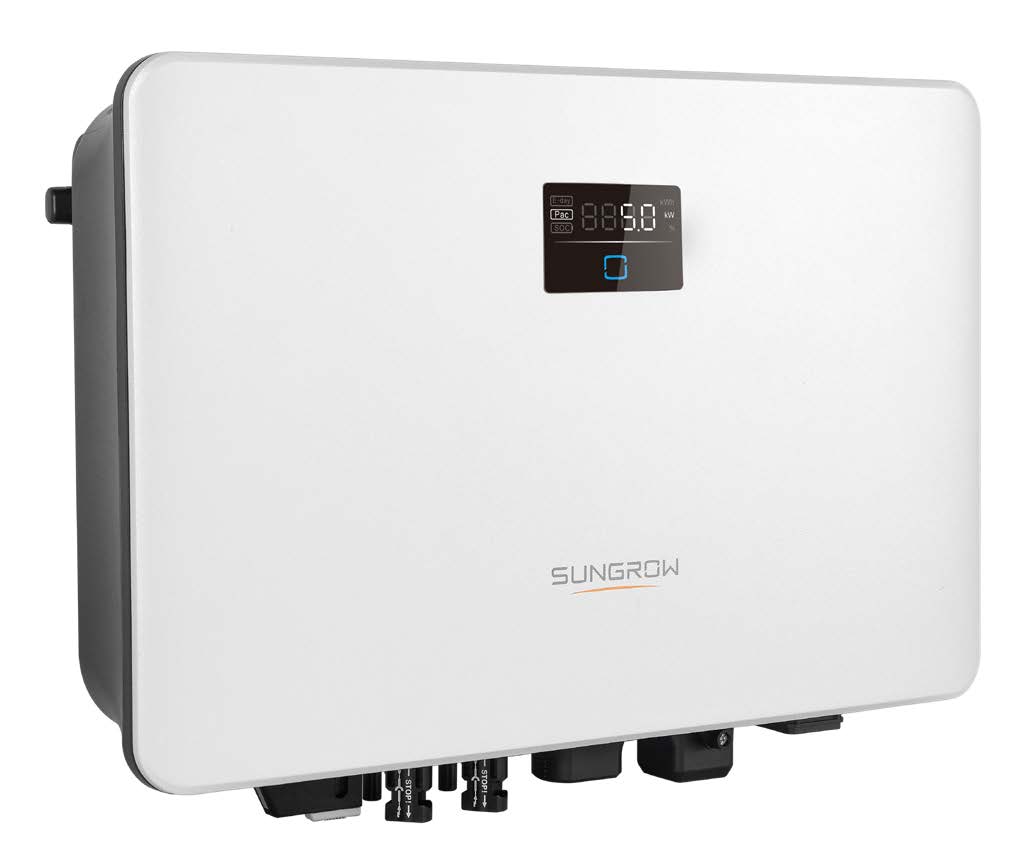
Sungrow SG Series
(For SG2.0RS-S, SG3.0/5.0RS, SG5.0RS-ADA/SG8.0/10RS, SG5.0/7.0/8.0/10RT, SG15/20RT, SG30CX/50CX/110CX, SG30CX-P2/50CX-P2/110CX-P2)
1. Turn off the AC isolator
Locate the Solar Supply Main Switch or AC isolator next to your switchboard or inverter.
Switch it to the OFF position.
2. Turn off the DC isolator
Found under or beside the inverter, labelled PV Array DC Isolator.
Switch it to the OFF position.
3. Wait 1–2 minutes
Allow all lights and display indicators to switch off completely.
This ensures internal capacitors discharge and the system resets fully.
4. Turn the DC isolator ON
Switch the DC isolator to ON and wait about 5 seconds.
5. Turn the AC isolator ON
Switch the AC isolator back to ON.
6. Allow the inverter to start up
The inverter will run internal checks and initialise communication.
Within a few minutes, the inverter display or LEDs should show normal operation.
A green power light indicates the inverter is generating.
A solid blue NET/WLAN light means WiFi is connected successfully.
7. Verify operation
Check that the display (for RS/RT models) or the LED indicators (for CX/CX-P2 models) show no fault or alarm codes.
Open the iSolarCloud app to confirm that power generation and communication data are updating.
If a warning or fault reappears after restart, take note of the fault code before contacting your installer or Sungrow support.
Tips
- Avoid restarting multiple times in quick succession; always allow at least 1–2 minutes between shutdown and start-up.
- If your inverter does not power back on, check that the DC isolator and PV strings are correctly switched on and that there is sunlight available.
- For large commercial systems (CX / CX-P2), ensure all parallel inverters are restarted in the same sequence to prevent communication errors.
- If your inverter continues to show an error after a proper restart, contact your solar installer or Sungrow Technical Support.